It is the core display component, used for image and video presentation with clear and delicate pictures.
 Home Wellness Guidance - Training at Your Pace

Adaptable Viewing for Shared Rooms
This mobile portrait display fits changing indoor routines, from executive presentations and studio content checks to exercise guidance and retail discovery. The 32-inch screen offers a balanced viewing area, while the caster base lets teams or households reposition the unit as the room purpose changes.
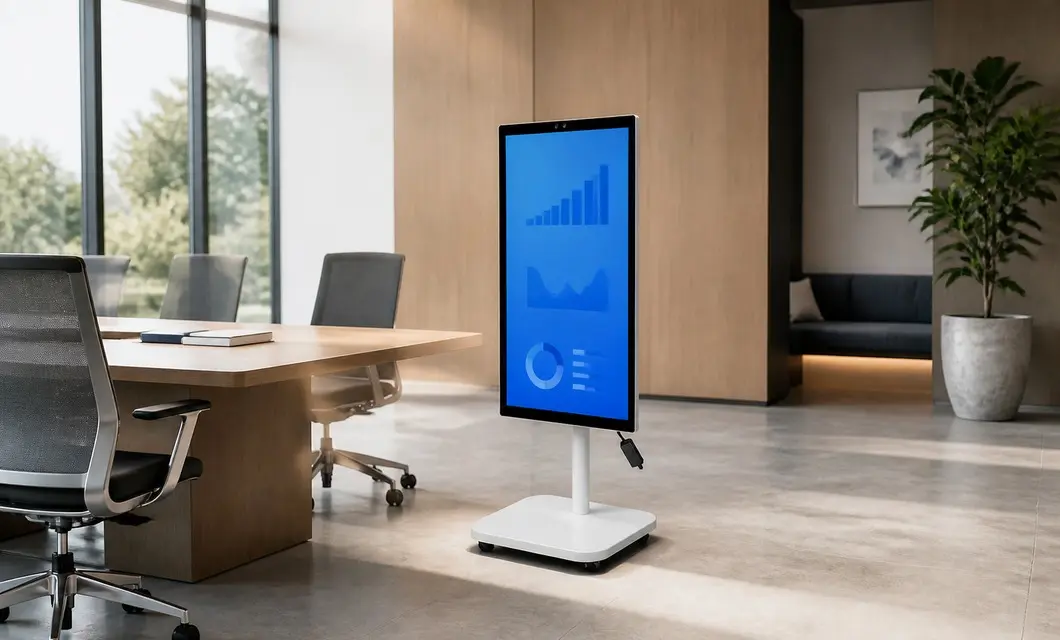 Executive Collaboration - Ready for Briefing
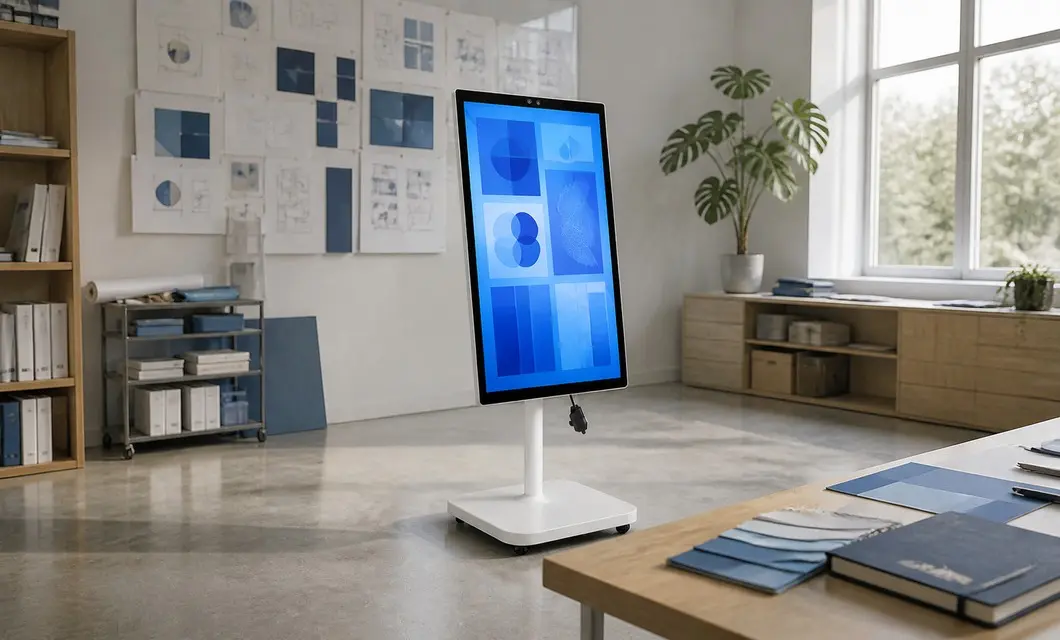 Creative Studio Review - Ideas in MotionHome Wellness Guidance - Training at Your Pace
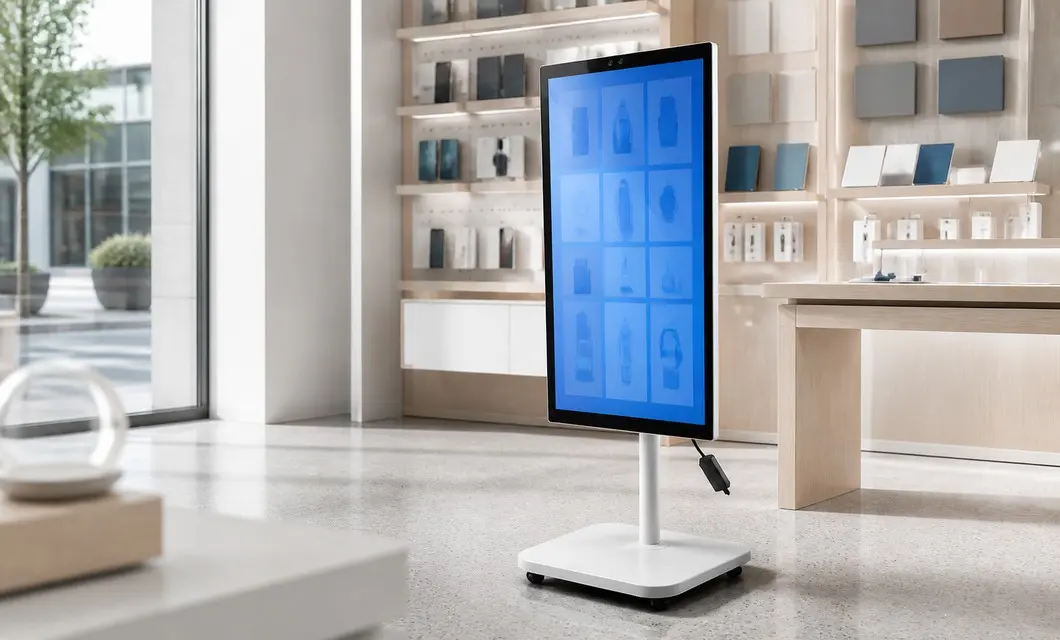 Boutique Product Discovery - Explore More In StoreExecutive Collaboration - Ready for BriefingCreative Studio Review - Ideas in Motion
Built-in Battery — No Plug Needed
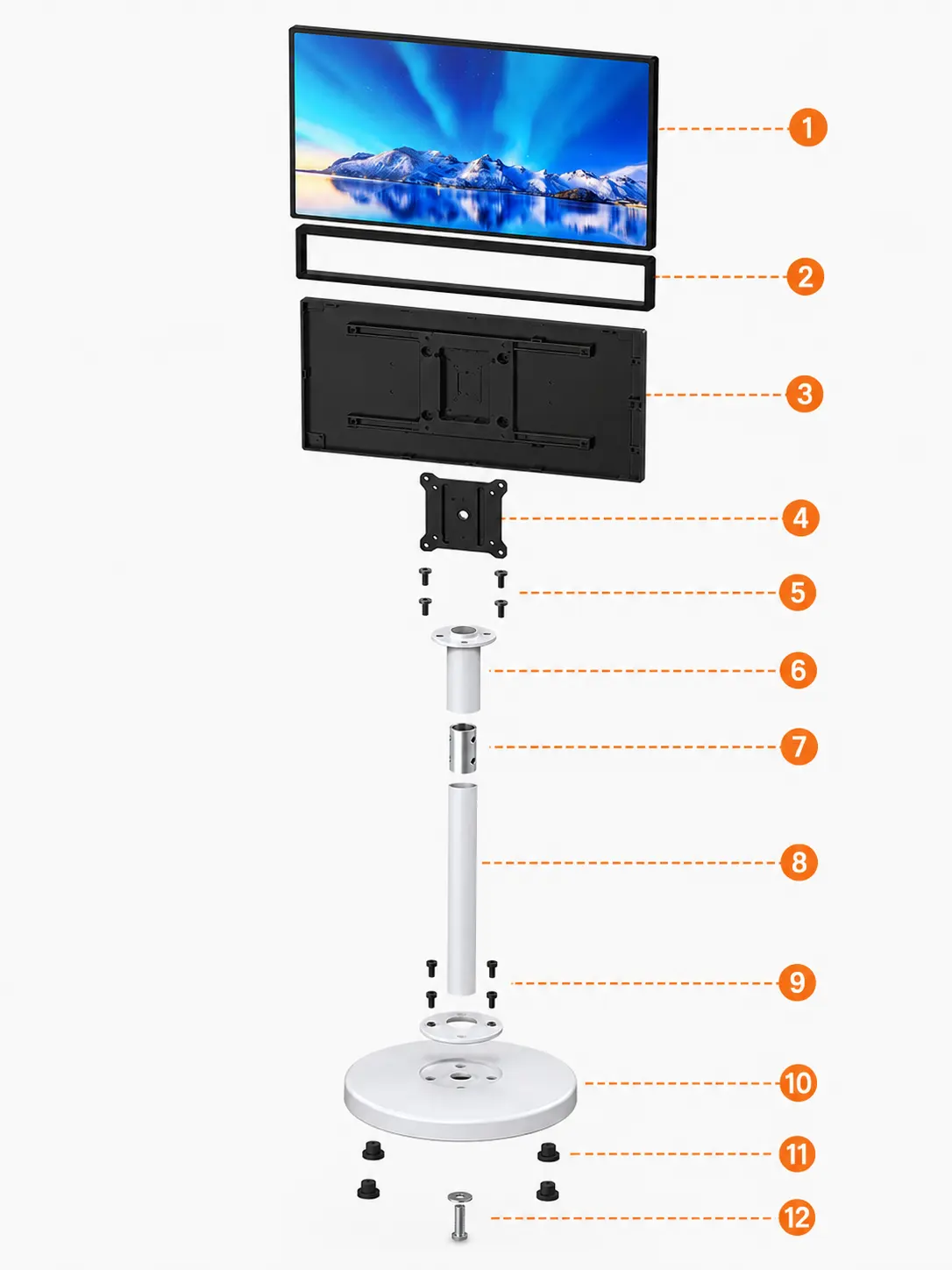
It is the core display component, used for image and video presentation with clear and delicate pictures.
Covers and fixes the edges of the display panel to strengthen structure and complete overall appearance.
Protects internal electronic components and circuits, and supports installation and heat dissipation.
Connects the monitor and column assembly to ensure firm and stable screen installation.
Fastens the mounting plate and rear shell to prevent loosening and offset during use.
Connects the mounting plate and support column to stabilize the upper stressed structure.
Connects upper and lower columns to enhance joint strength and assembly coaxial stability.

A smooth-system demo of the goddess screen. Watch power-on, interface switching, and everyday operations in action—so you can see response speed, fluidity, and how snappy it feels in daily use.
00:40A smooth-system demo of the goddess screen. Watch power-on, interface switching, and everyday operations in action—so you can see response speed, fluidity, and how snappy it feels in daily use.
00:20Sleek design—looks good anywhere. See the Goddess Screen’s clean lines, material finish, and refined details in real setups, so you can understand how its minimal look fits different spaces.
01:17Easy to use—see the system in action. Watch Goddess Screen’s interface, key features, and everyday controls—from power-on to common settings—so you can understand how it works in daily use.
We centrally purchase equipment, test the data and the machine, then publish the models that clear our review. You get a shorter path from "could work" to a quote your team can act on.
Our team is ready to advise you on the best product configuration and procurement plan.
info@eascoutia.com400 158 5899The 32-inch screen offers a middle-size option for meeting rooms, studios and home areas needing clear shared viewing.
Four casters are integrated beneath the square base for movement on appropriate level indoor surfaces between use positions.
The rear module visibly provides USB ports and a power lead; select external equipment according to the actual connection needs.
The display is carried by one upright column with a pivot connection, keeping the panel aligned above the mobile base.
Arrange a stable floor area, accessible power and the network or content equipment required by the planned application.
 Simplified explanation