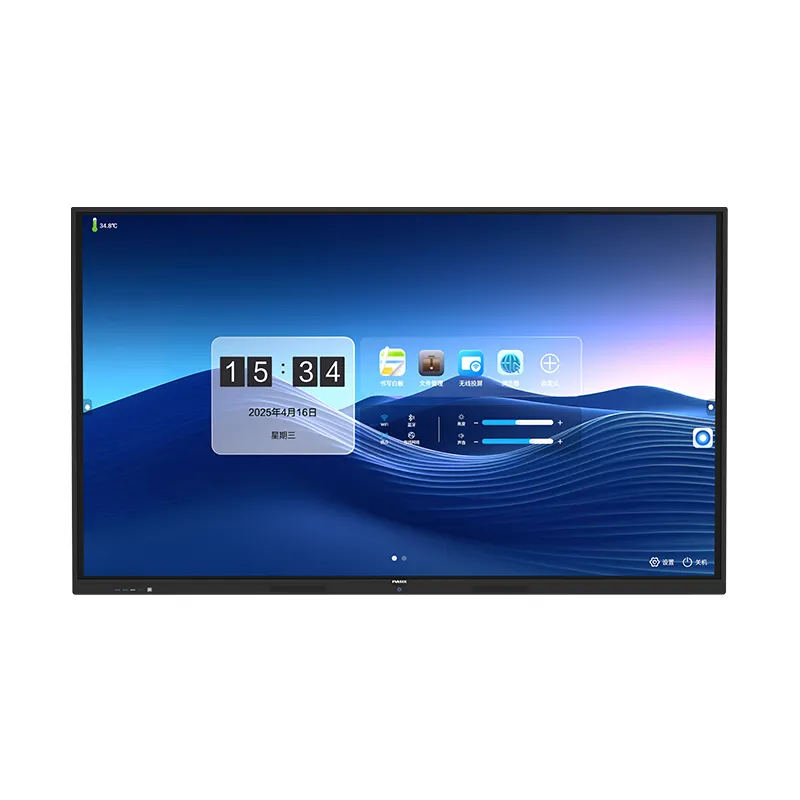
It is the core display component, used for image and video presentation with clear and delicate pictures.
 Home Wellness Guidance - Training at Your Pace

Larger Visuals with Mobile Freedom
The larger portrait screen creates a strong content point for business briefings, design reviews, home training guidance and boutique product exploration. Its mobile square-base structure supports planned repositioning within indoor spaces, while the visible rear assembly keeps the support and connection layout organized.
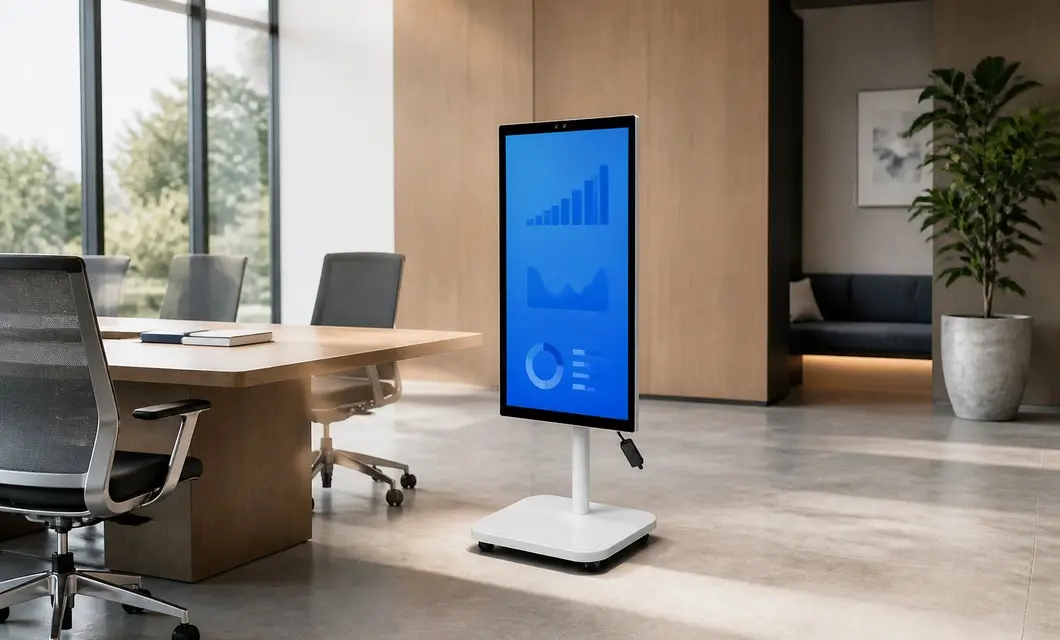 Executive Collaboration - Ready for Briefing
 Creative Studio Review - Ideas in MotionHome Wellness Guidance - Training at Your Pace
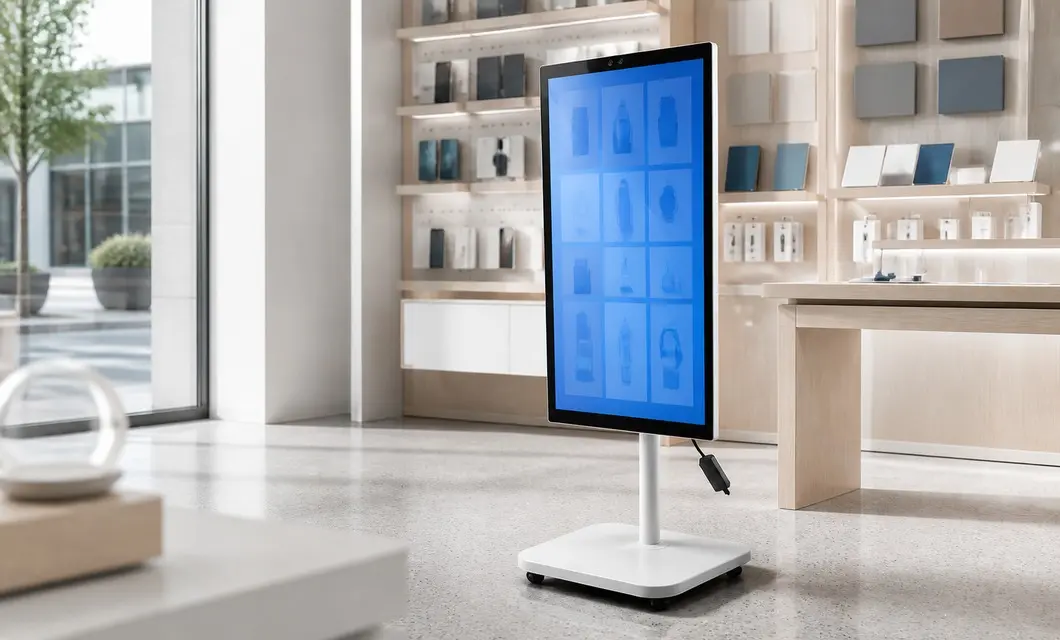 Boutique Product Discovery - Explore More In StoreExecutive Collaboration - Ready for BriefingCreative Studio Review - Ideas in Motion
Goddess Screen with Wheels — Easy to Move
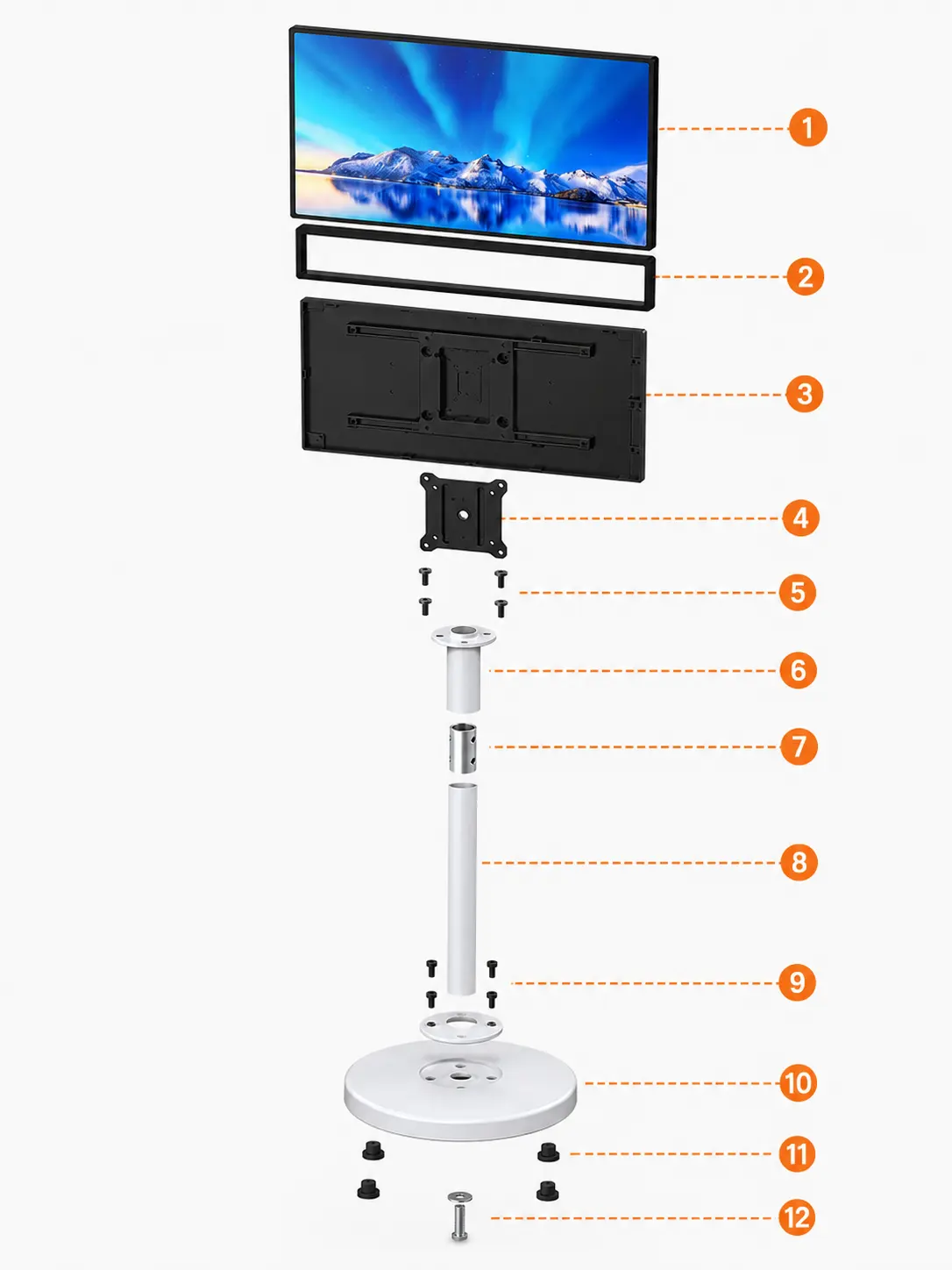
It is the core display component, used for image and video presentation with clear and delicate pictures.
Covers and fixes the edges of the display panel to strengthen structure and complete overall appearance.
Protects internal electronic components and circuits, and supports installation and heat dissipation.
Connects the monitor and column assembly to ensure firm and stable screen installation.
Fastens the mounting plate and rear shell to prevent loosening and offset during use.
Connects the mounting plate and support column to stabilize the upper stressed structure.
Connects upper and lower columns to enhance joint strength and assembly coaxial stability.
Built-in battery—no plug needed. See cordless runtime in real use: power on and move the unit freely without hunting for an outlet, so you can understand how it works in places without easy power access.
00:40Built-in battery—no plug needed. See cordless runtime in real use: power on and move the unit freely without hunting for an outlet, so you can understand how it works in places without easy power access.
00:20Sleek design—looks good anywhere. See the Goddess Screen’s clean lines, material finish, and refined details in real setups, so you can understand how its minimal look fits different spaces.
01:17Easy to use—see the system in action. Watch Goddess Screen’s interface, key features, and everyday controls—from power-on to common settings—so you can understand how it works in daily use.
We centrally purchase equipment, test the data and the machine, then publish the models that clear our review. You get a shorter path from "could work" to a quote your team can act on.
Our team is ready to advise you on the best product configuration and procurement plan.
info@eascoutia.com400 158 5899The 43-inch format suits indoor areas where a larger portrait viewing surface and stronger visual presence are desired.
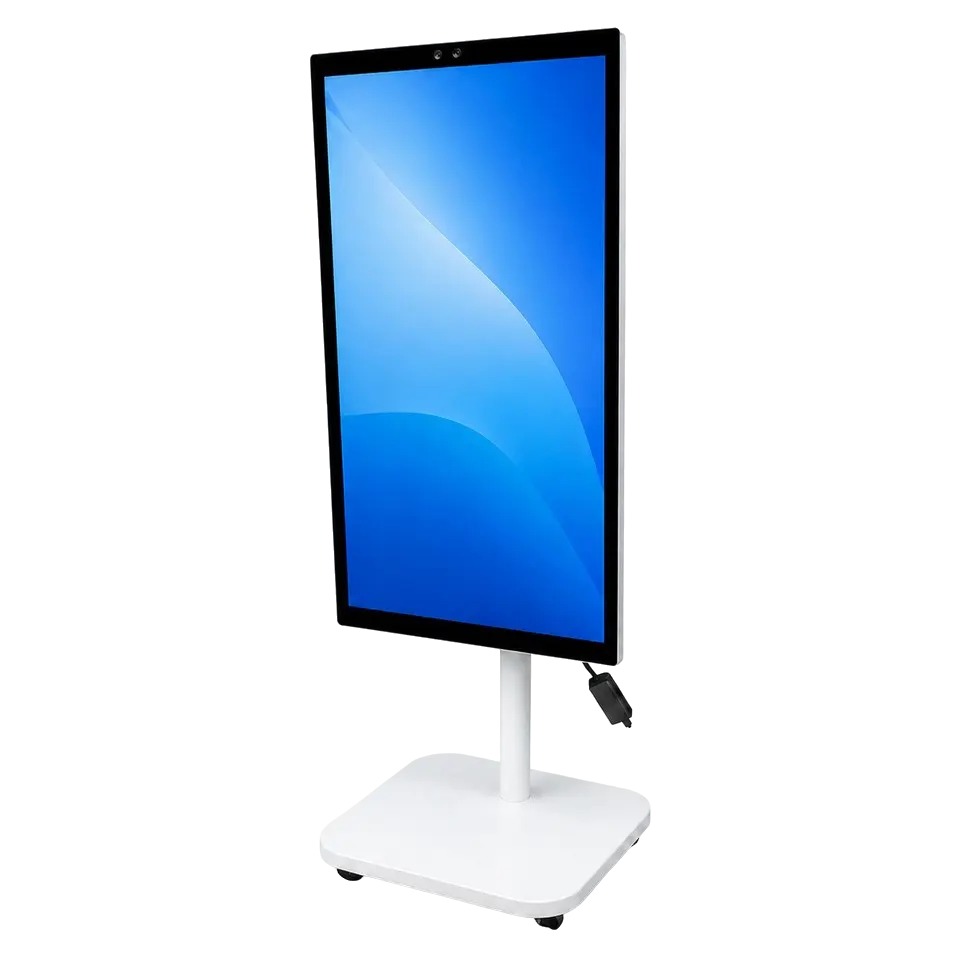
The square base uses four small casters so the complete display can be repositioned across suitable level indoor floors.
The rear enclosure visibly combines ventilation openings, USB ports, pivot hardware and the routed external power lead.
Two camera lenses are centered in the upper bezel, keeping the visible imaging area positioned above the portrait screen.
Provide a clear level floor area, suitable power access and the network or content source needed for the chosen use.
 Simplified explanation