保护屏幕表面,提升耐磨与防护性能。
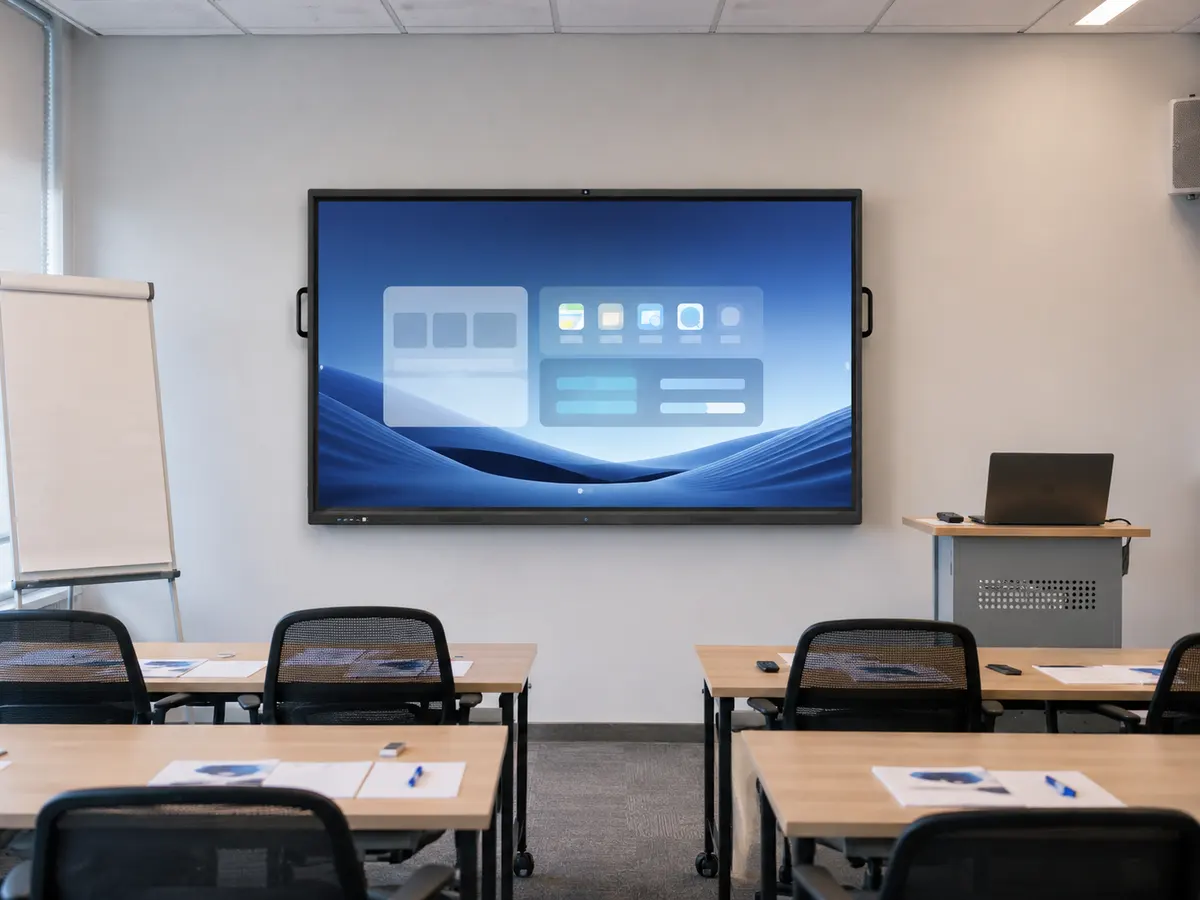 专业培训室教学演示

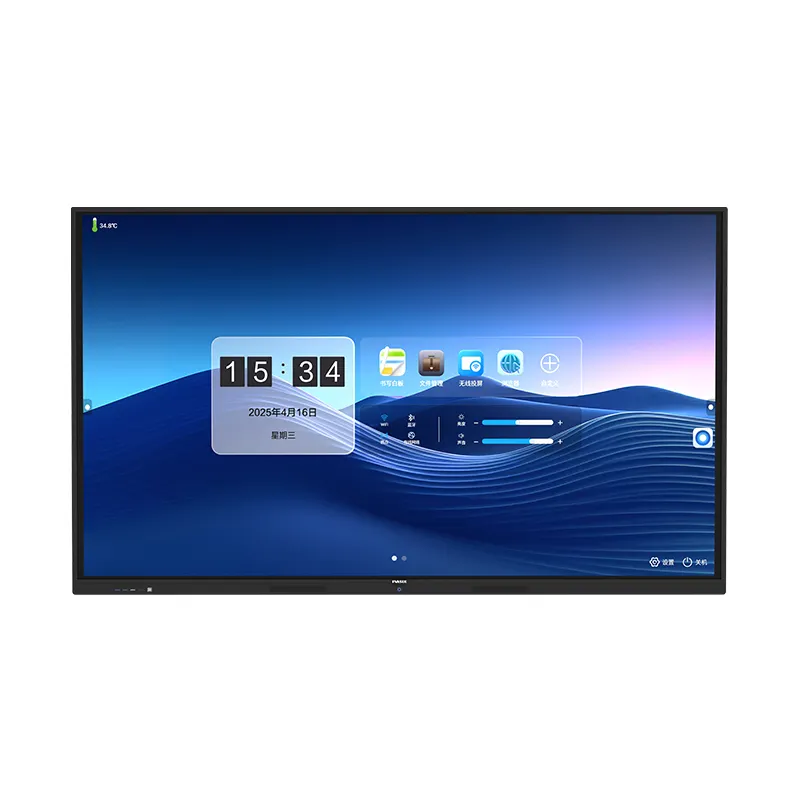
双系统互动一体机
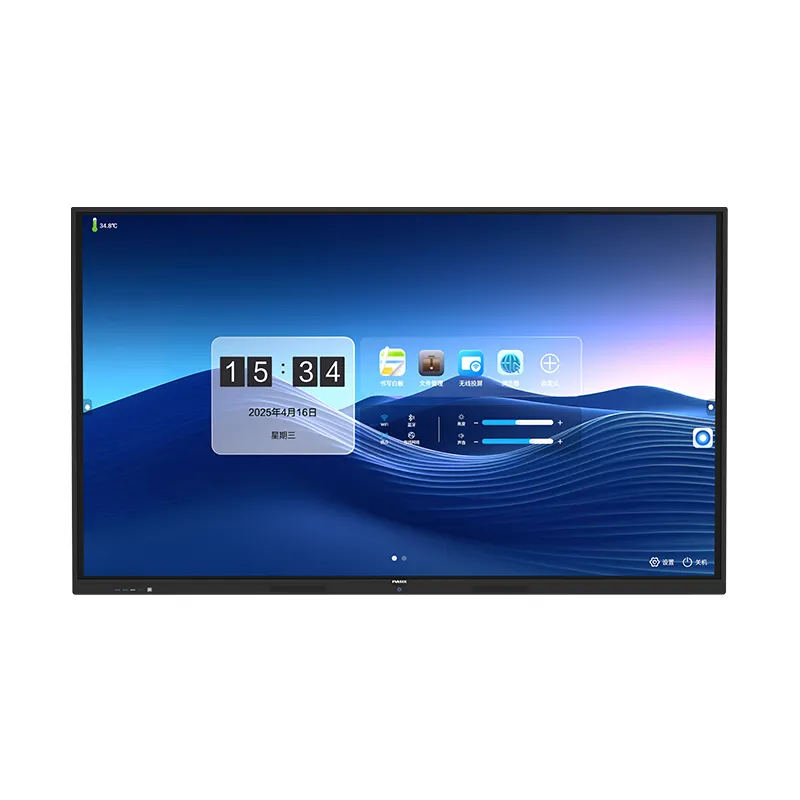
双系统互动一体机集显示、触摸、白板书写、批注、投屏、文件管理与多媒体播放于一体,支持Windows/Android双系统触摸切换,并提供HDMI、VGA、USB、TF及网络连接能力,适合会议、教学、培训和接待展示等场景。
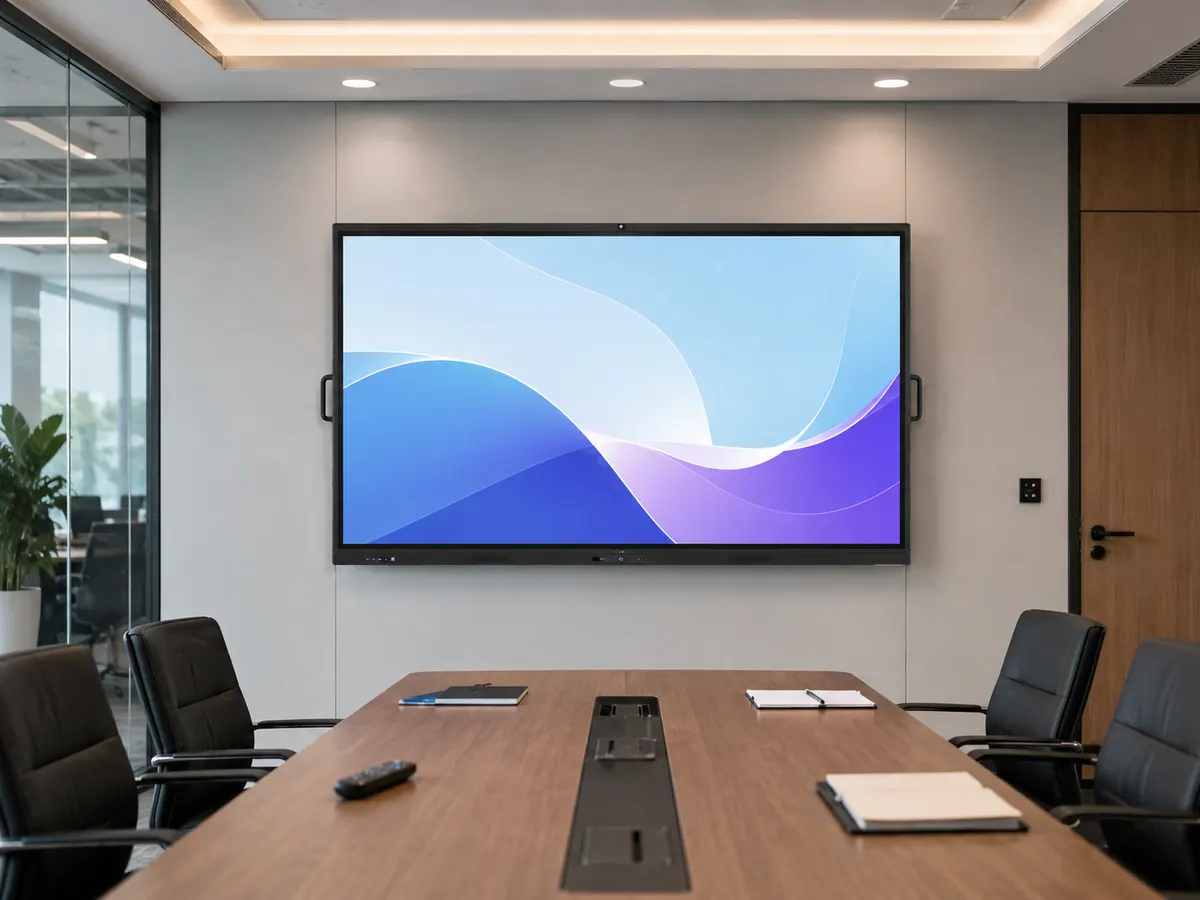 企业会议室协同办公
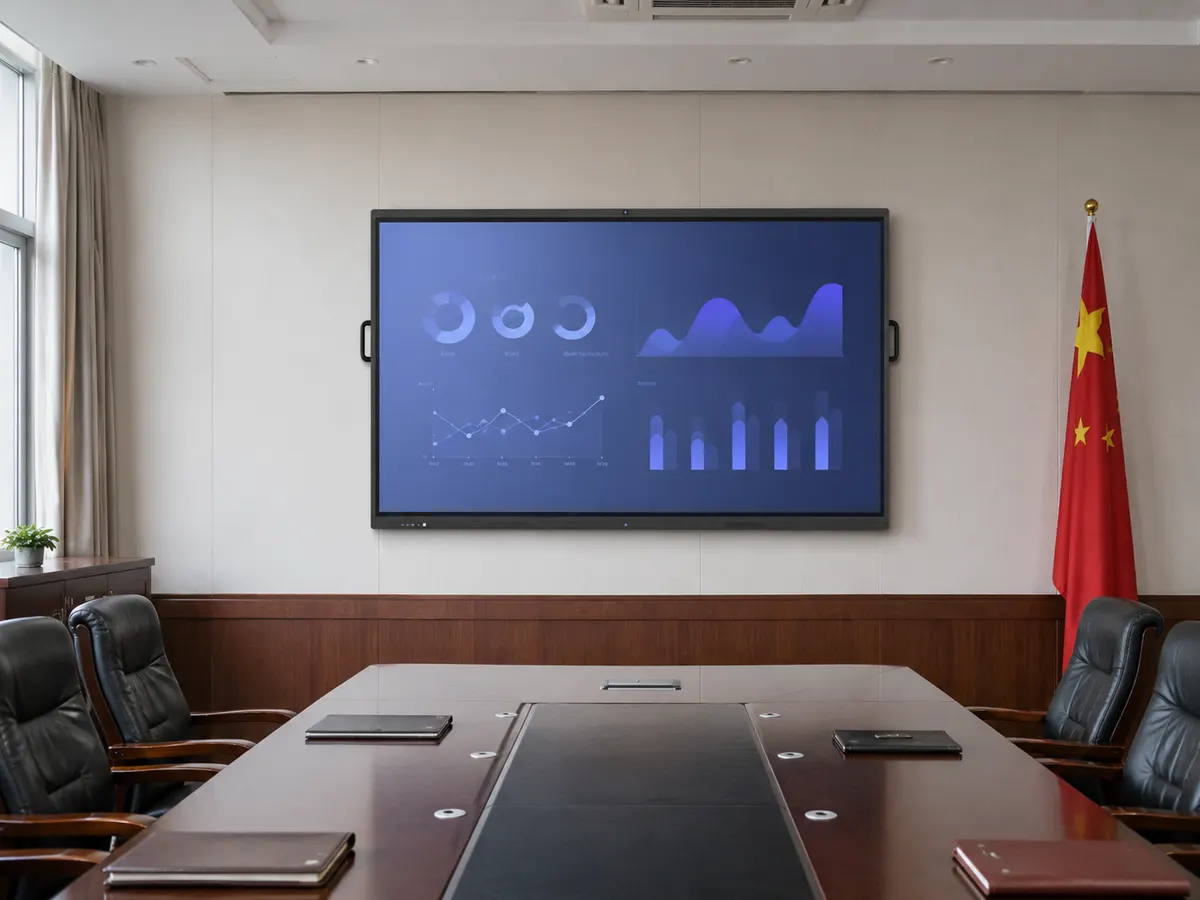 政企会议室数据展示
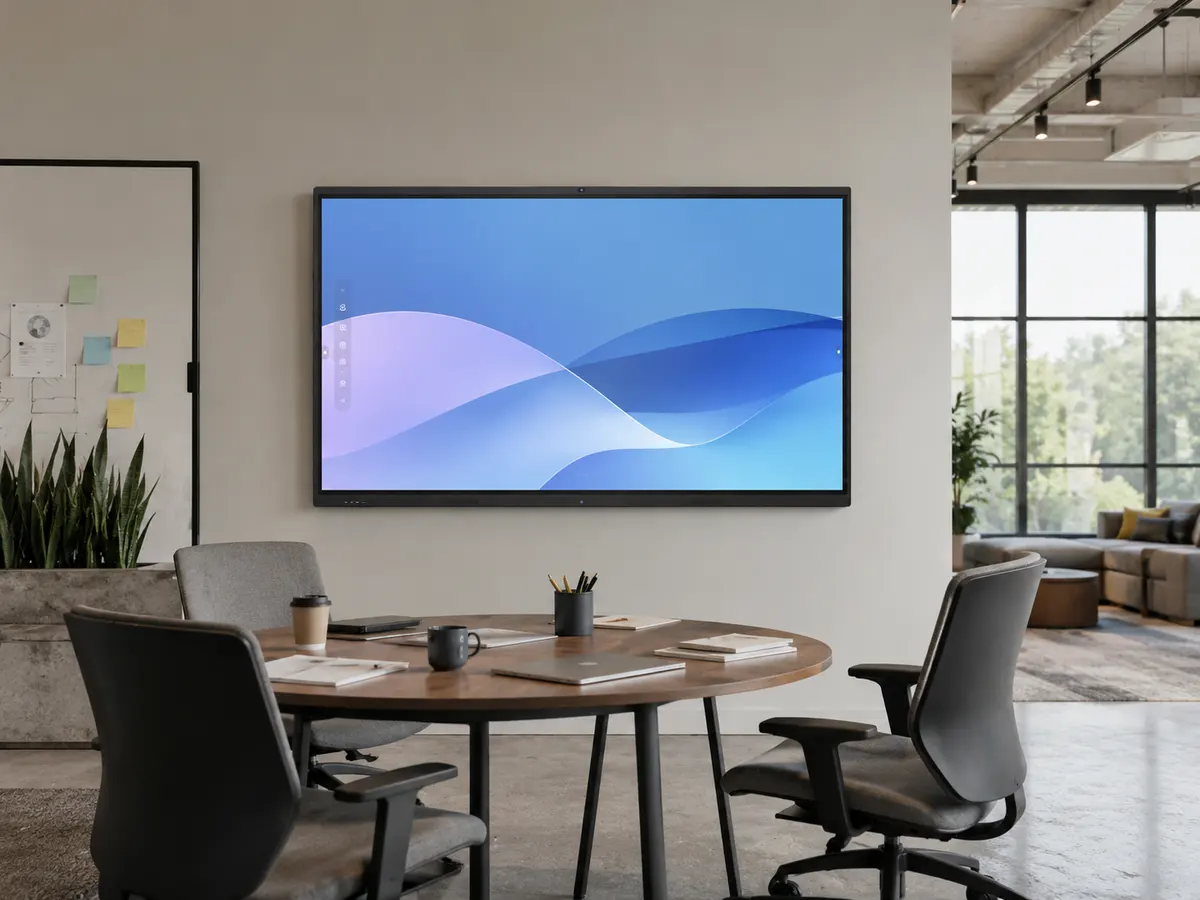 开放办公区协作会议
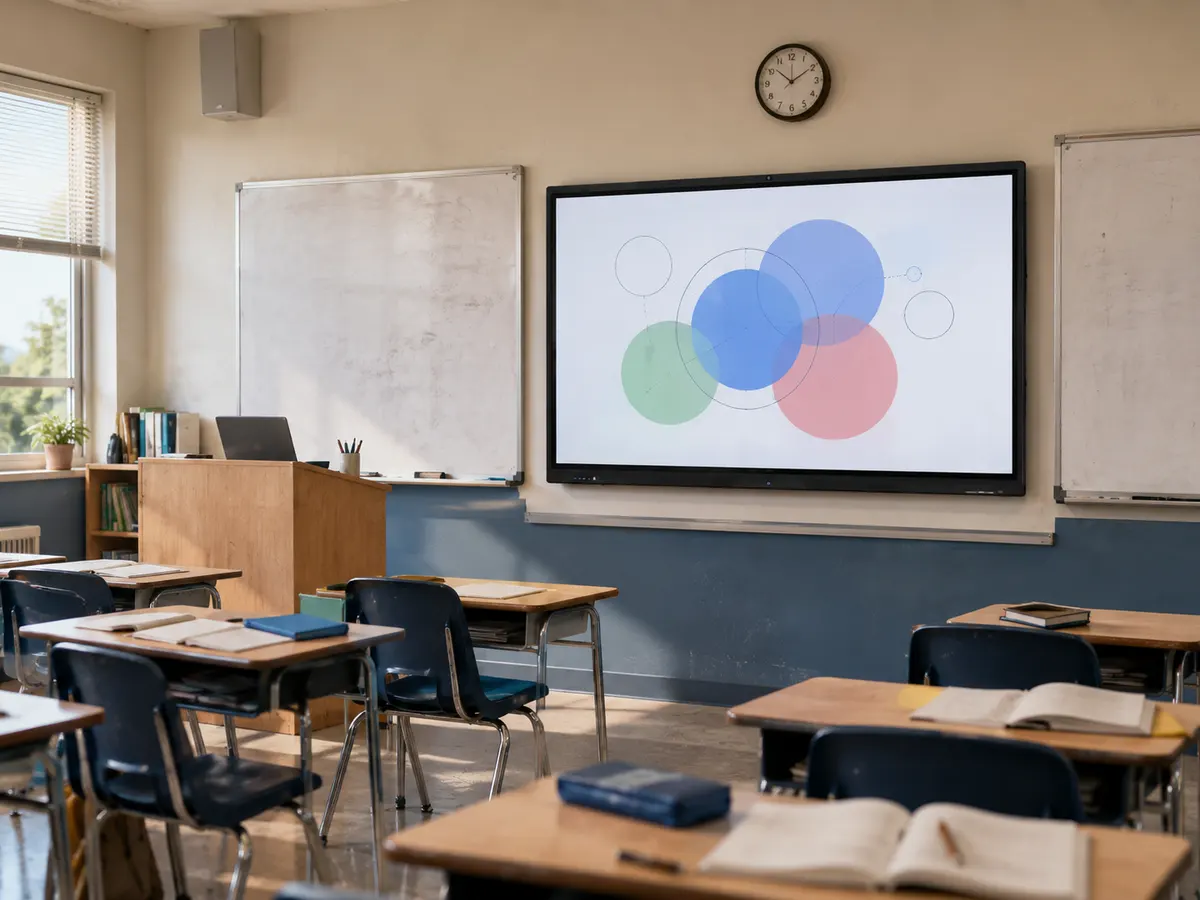 智慧教室互动教学专业培训室教学演示
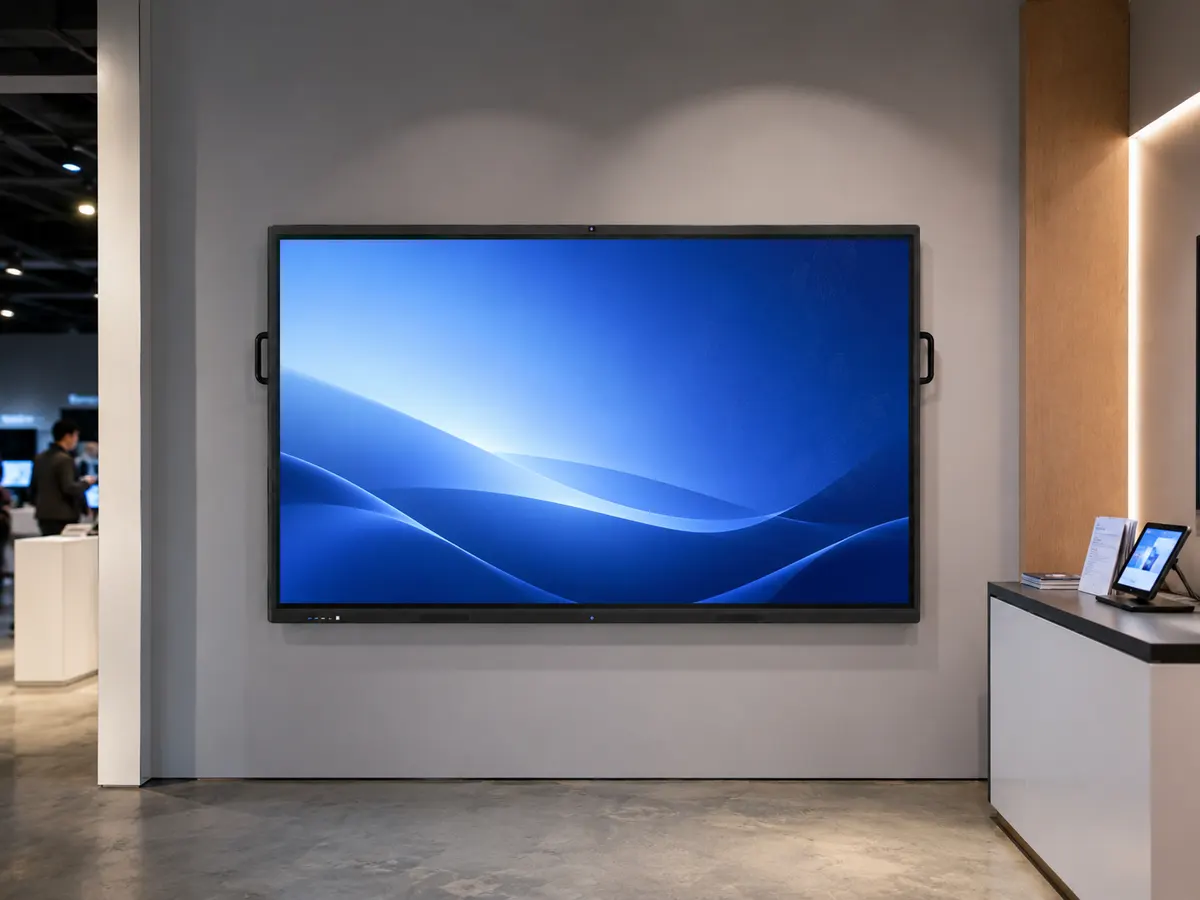 科技展厅产品演示企业会议室协同办公政企会议室数据展示
Built-in OPS—all-in-one and ready to go. See how the integrated OPS system runs without an external PC, so you can understand the advantage of a compl
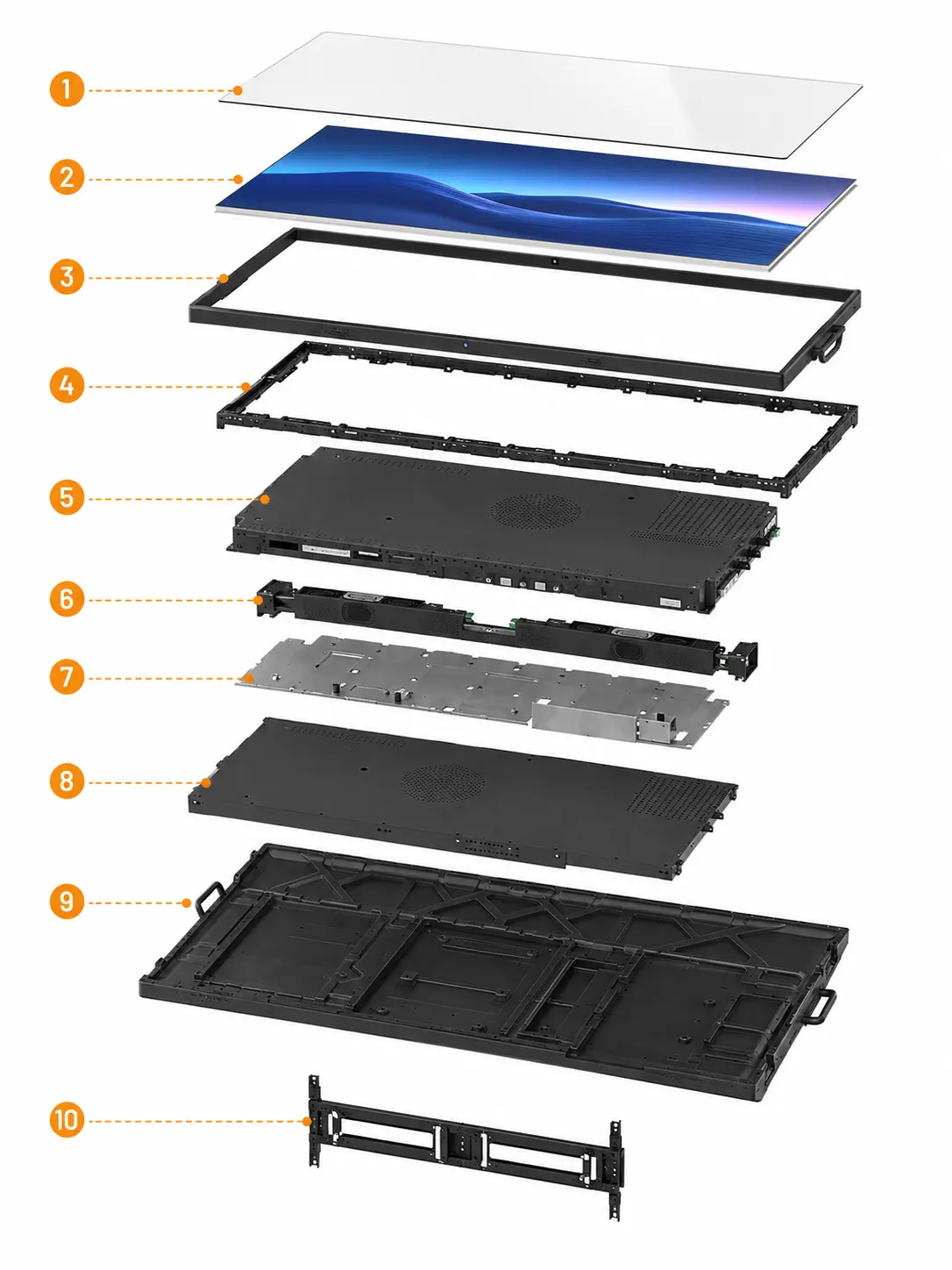
保护屏幕表面,提升耐磨与防护性能。
负责图像显示,呈现清晰细腻画面。
固定屏幕边缘,保持整机结构稳定。
连接核心组件,增强整体结构强度。
集成核心电子部件,保障系统稳定运行。
输出设备声音,提供清晰音频效果。
固定内部模块,提升装配稳定性。

Multiple ports—connect what you need. See the all-in-one’s interface options and how common connections like HDMI and USB plug in and switch, so you can understand its flexibility for multi-device setups.
00:19Clean look—built for modern spaces. See the all-in-one’s overall form, bezel details, and material finish in real settings, so you can understand how its design fits meeting rooms, classrooms, and other professional spaces.
00:32Multiple ports—connect what you need. See the all-in-one’s interface options and how common connections like HDMI and USB plug in and switch, so you can understand its flexibility for multi-device setups.
00:29System demo—use and write with ease. See everyday operation of the all-in-one, from interface controls to on-screen writing, so you can understand the full experience from power-on to collaborative markup.
按出厂检测清单核对整机状态,以下项目为交付前检查内容。
Our team is ready to advise you on the best product configuration and procurement plan.
info@eascoutia.com400 158 5899支持Windows/Android双系统触摸切换,进入对应信号源即可使用。
苹果手机连接5G热点后使用AirPlay;安卓手机安装客户端后投屏。
VGA连接需另接音频线;HDMI连接需设置高清音频设备为默认。
XP系统不支持多点触摸;Win7需使用家庭高级版或以上版本。
检查触摸USB线与当前信号源接口是否对应,并检查线材连接状态。

 Simplified explanation